

Isuzu D-Max Autoradio — Wireless CarPlay, Android Auto
A 4 64GB
£176.04
Angebotspreis
£176.04
Normaler Preis
£228.85
Zu Produktinformationen springen


Isuzu D-Max Autoradio — Wireless CarPlay, Android Auto
£176.04
Angebotspreis
£176.04
Normaler Preis
£228.85
SPECIFICATIONS
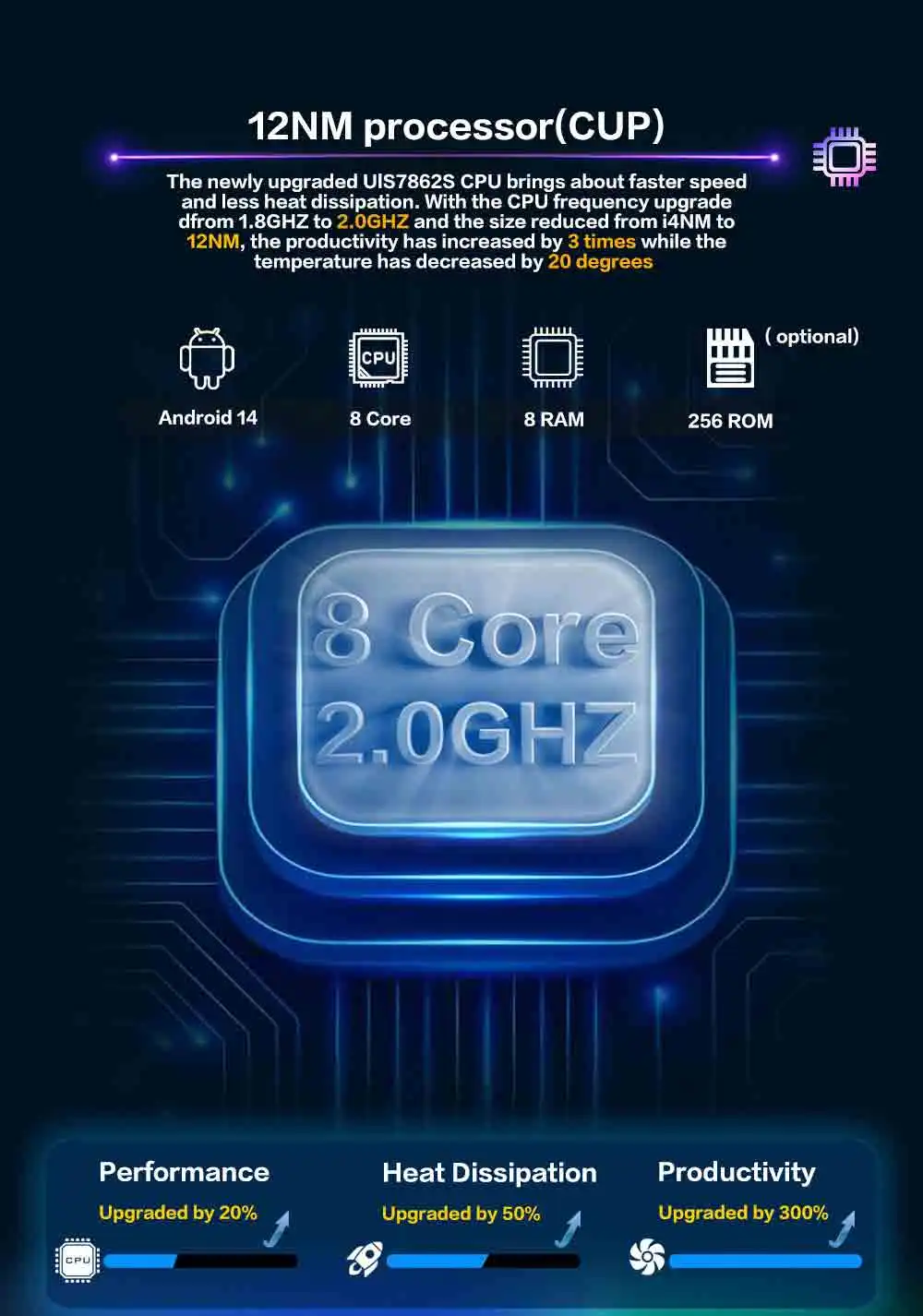
4G Chip: 8Core
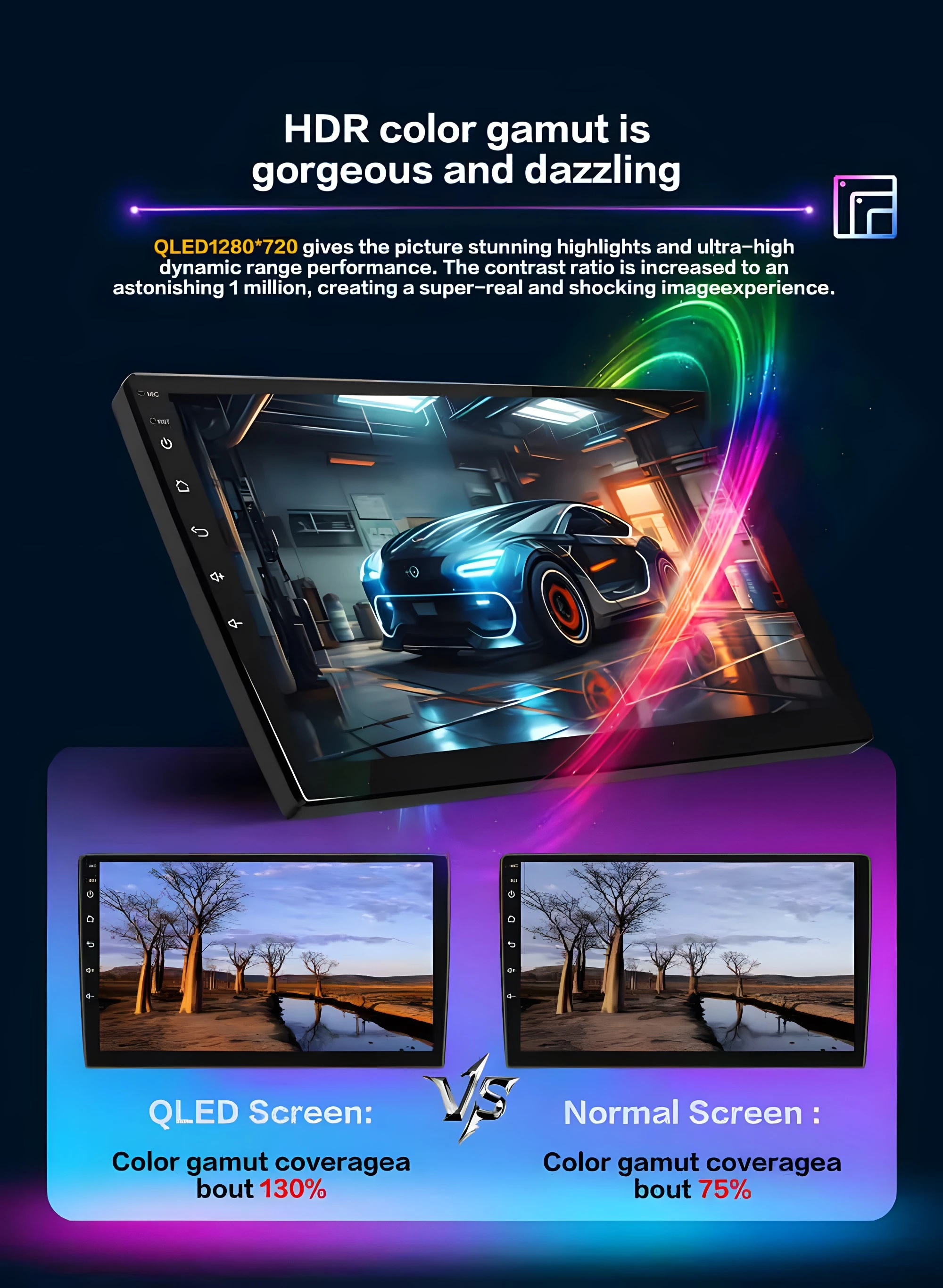
4G resolution: 1280*720P
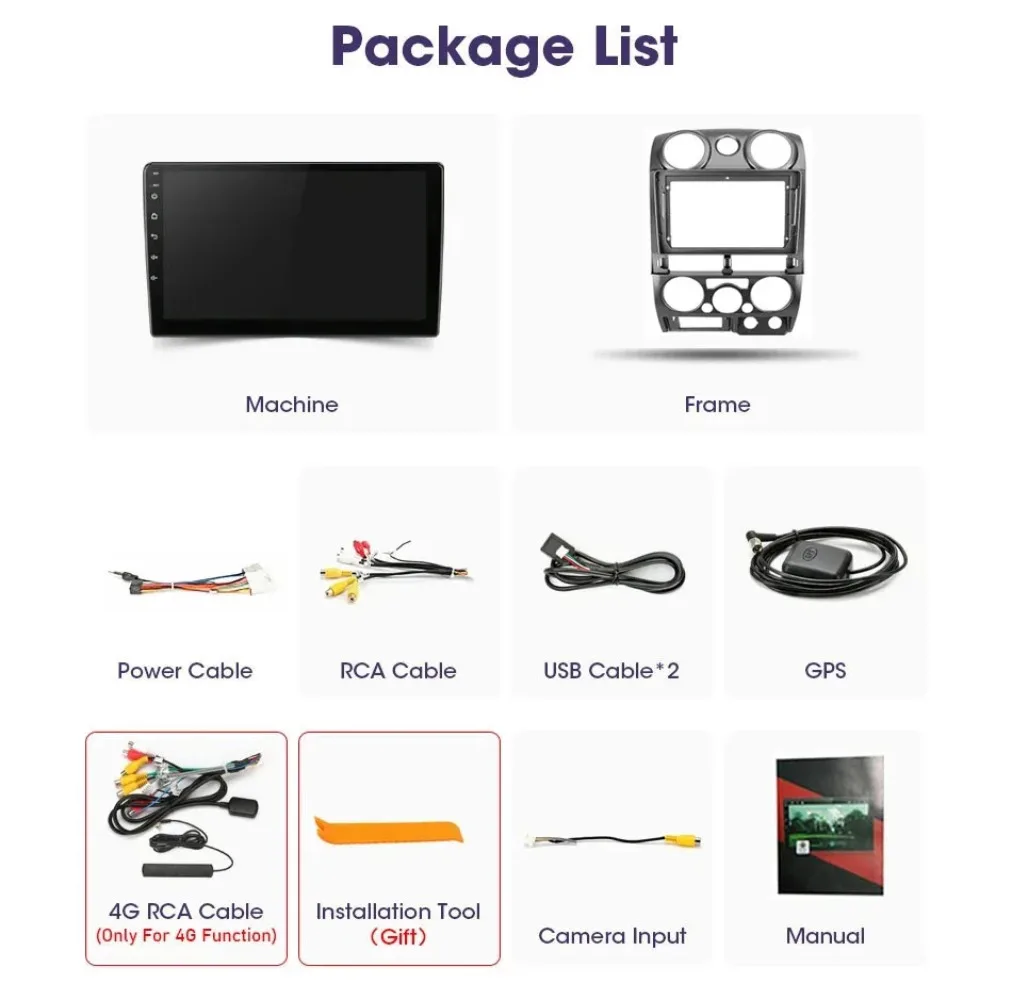
Accessory Type: frame and cable
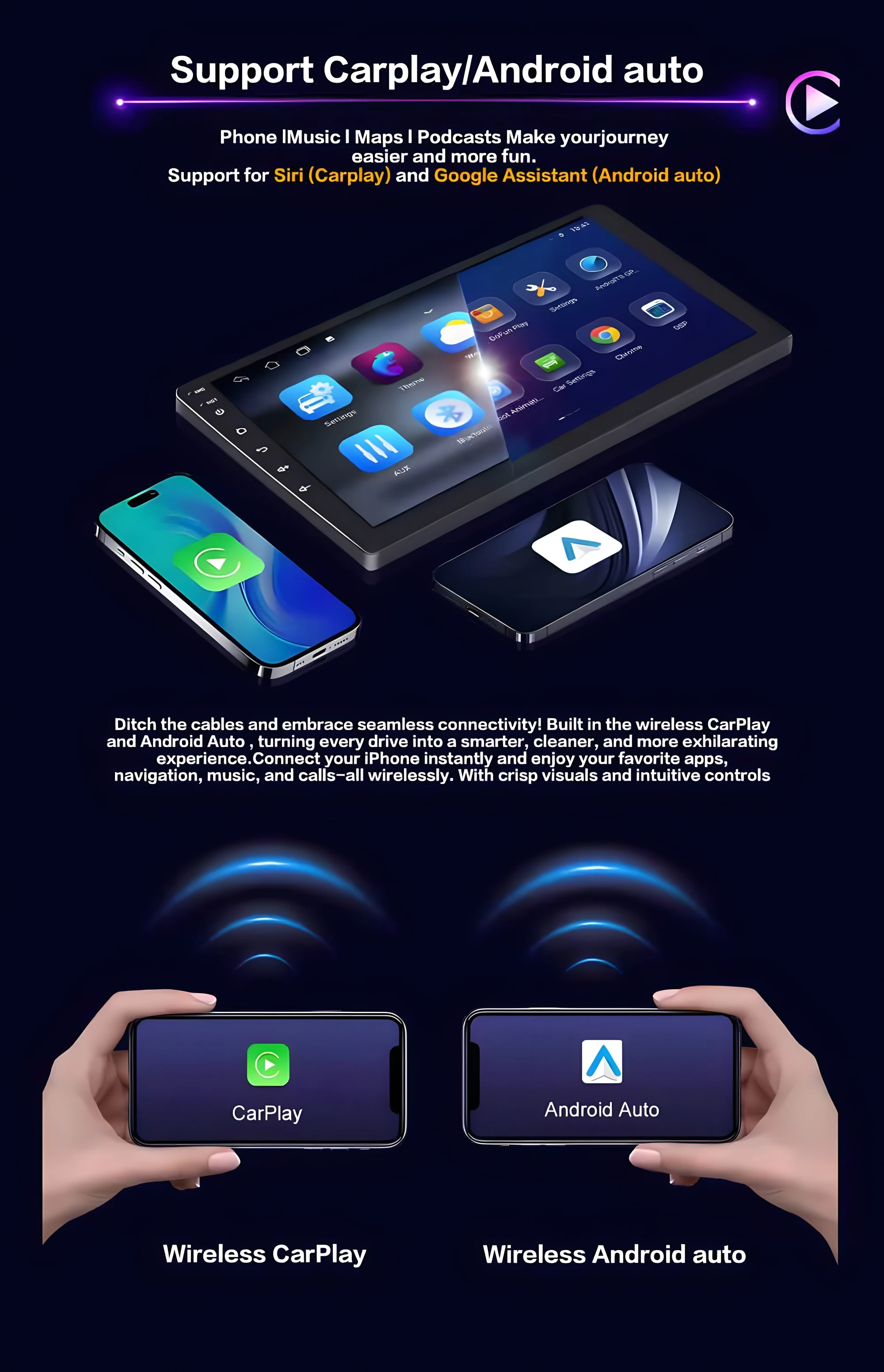
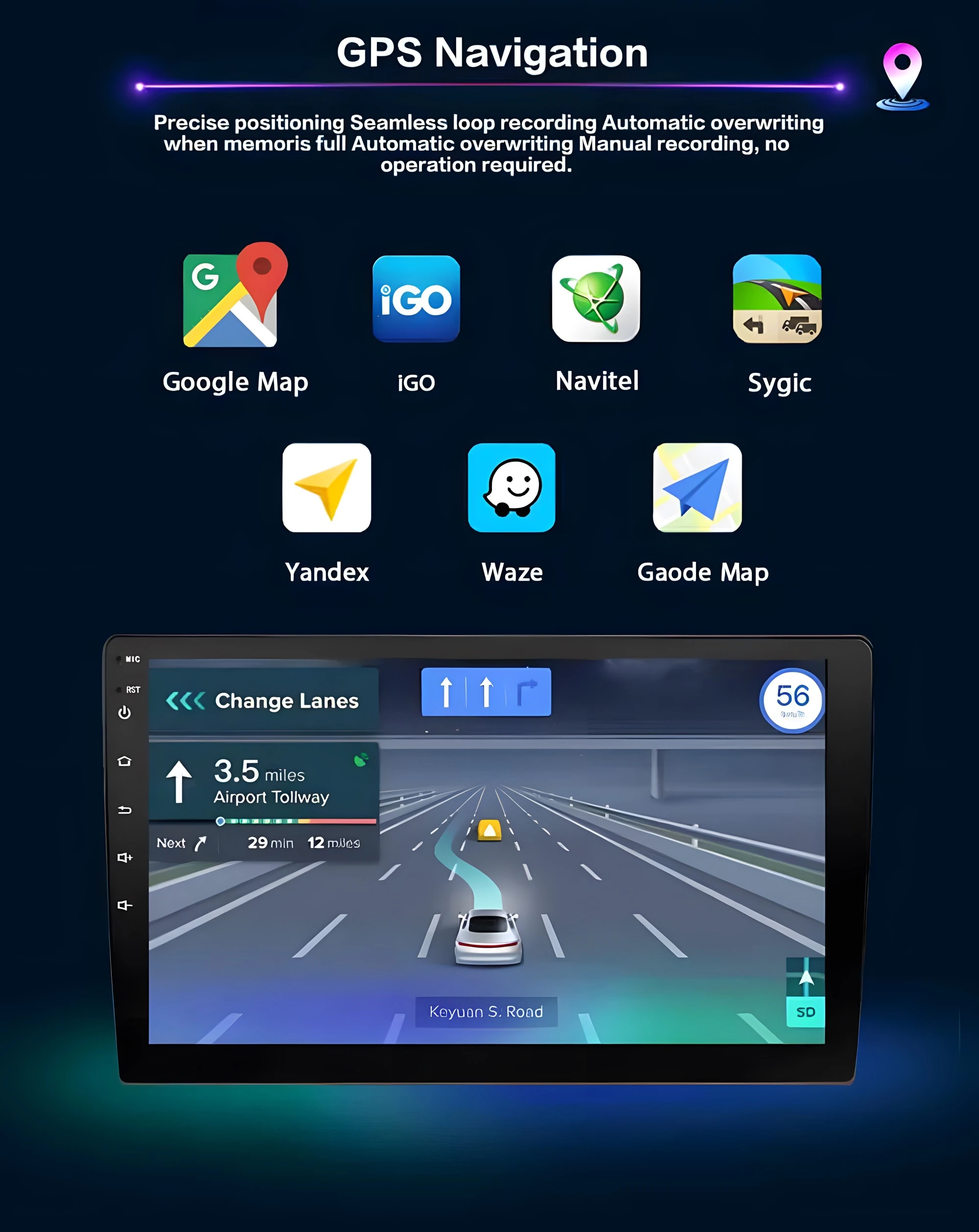
Android Auto: wireless
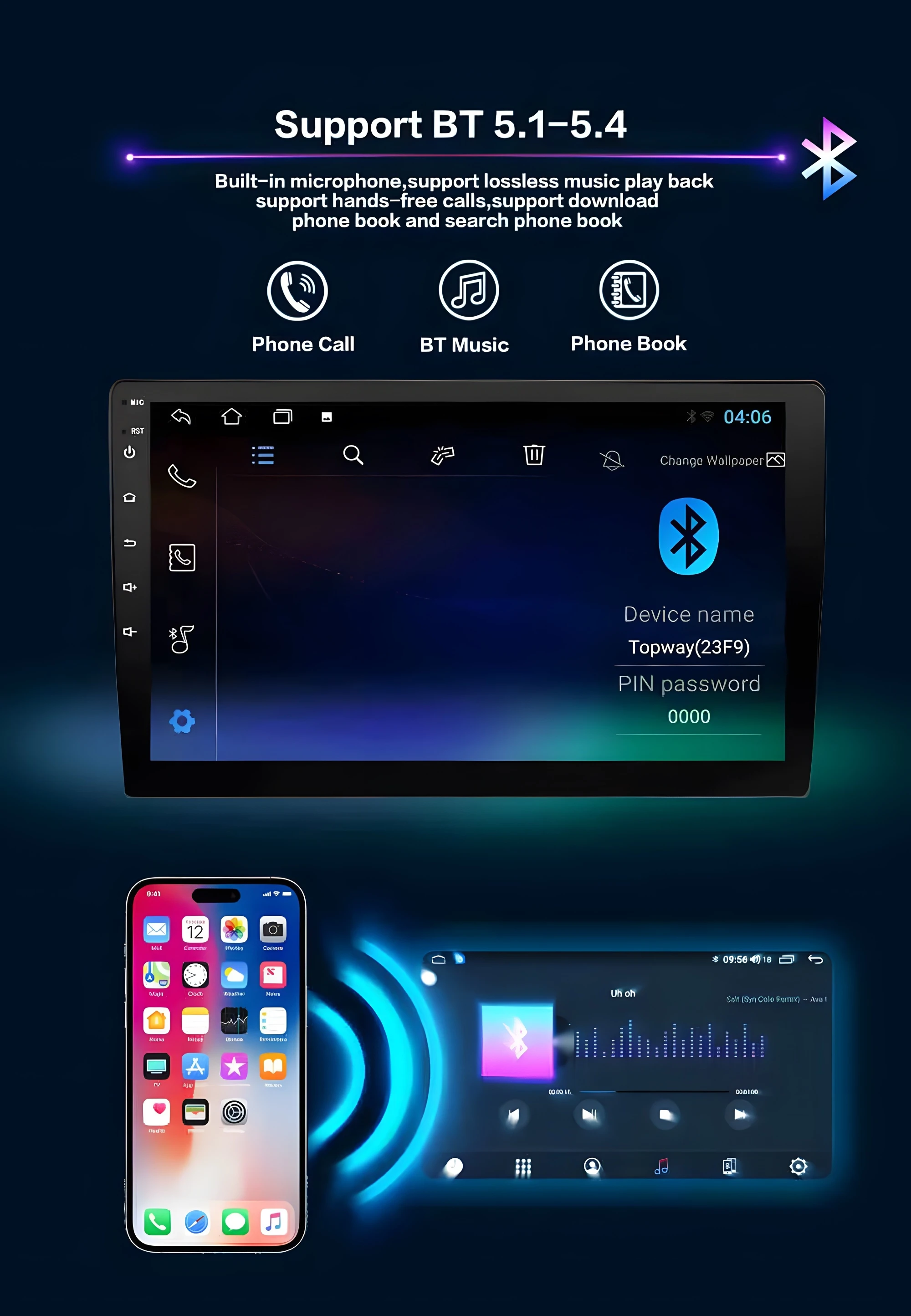
Bluetooth: 5.0
Brand Name: TDCY
Built-in CD player: No
Built-in DVD Player: No
Built-in Screen: Yes
Cable: Plug and use
Carplay: wireless
Certification: CE
Digital Media Format: Mp3,MP4,WMA,JPEG
Din: Double Din
Display Size: 9"
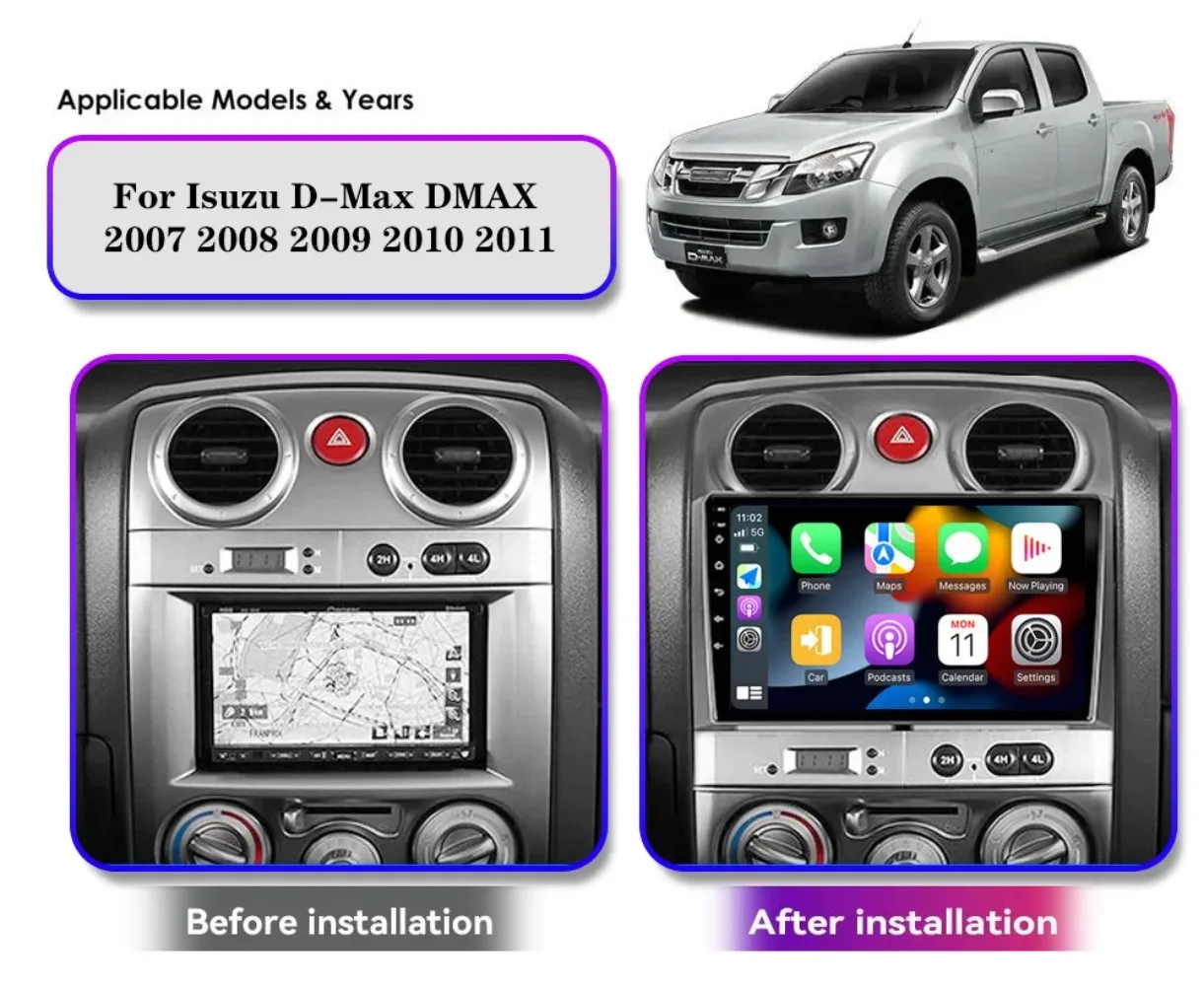
Fit to: Isuzu D-Max DMAX 2007 2008 2009 2010 2011
For Vehicle Brands/Model: ISUZU
High-concerned chemical: None
Interface: 2USB
Is touch screen: Yes
Item Size: 9INCH
Item Weight: 1.5
Material: ABS,PCB
Max External Memory: 128G
OSD Language: Chinese (Simplified),Chinese (Traditional),albanian,Arabic,Azeri,Irish,ESTONIAN,Belarusian,Bulgarian,Icelandic,Polish,PERSIAN,Boolean text (Dutch South Africa),Danish,German,Russian,French,Filipino,Finnish,Georgian,Haitian Creole,Korean,Dutch,Galicia,Catalan,czech,Croatian,Latin,Latvian,Lithuanian,Romanian,Maltese,Malay,Macedonian,Norwegian,Portuguese,Japanese,Swedish,Serbian,Slovak,Slovenian,Swahili,THAI,Turkish,Welsh,Ukrainian,Hebrew,Greek,Spain's Basque,Spanish,hungarian,Armenian,Italian,Yiddish,hindi,Urdu India,indonesia,English,Vietnamese
Operating System: Android 13
Origin: Mainland China
Out Power: 65W*4
Output Type: Colored
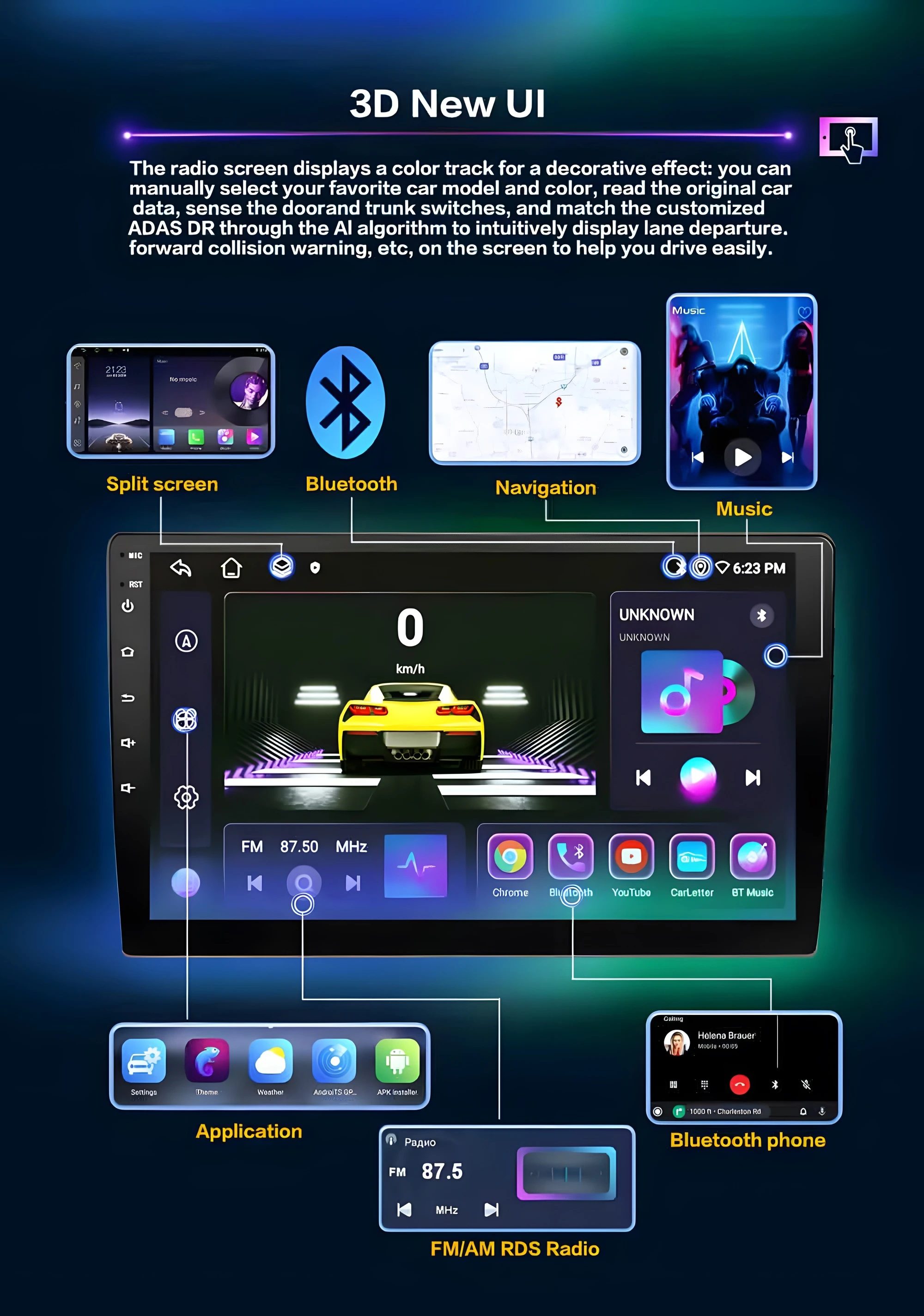
Preset Station: FM
Processor Speed: 8CORE
Processor Type: 8581
RAM: 6G
ROM: 128G
Resolution: 1280*720
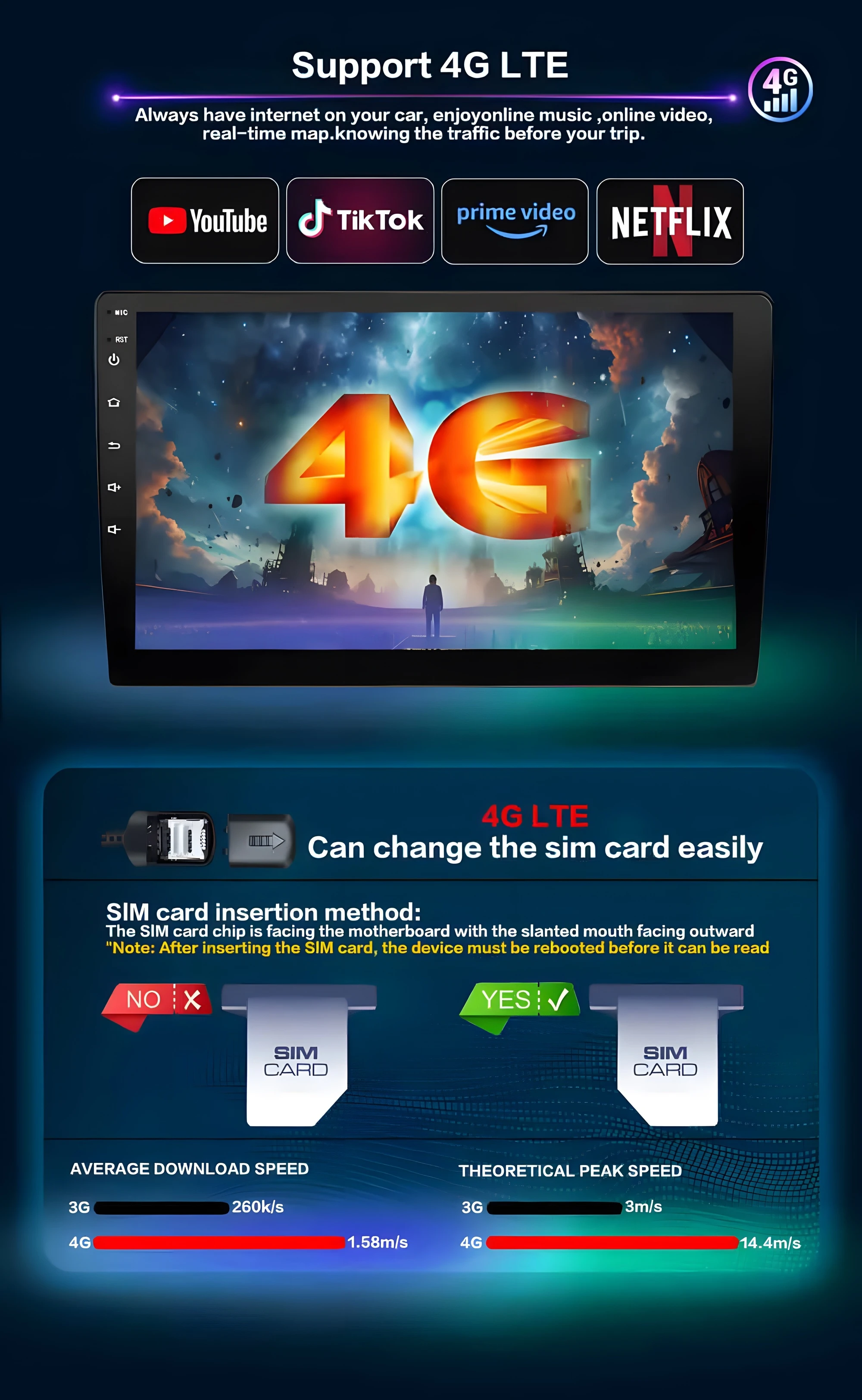
Special Features: Built-In Speaker/Microphone,wifi function,Support steering wheel control,Support 4G Network,Support Can-Bus
TF/Micro SD Slot: 2
Tuner Type: FM/AM
Video out: wifi vertion support
Voltage: 12 V
WIFI Amplifier: 7388
Warranty: 1 YEAR
wifi Chip: 4Core
For Isuzu D-Max DMAX 2007 2008 2009 2010 2011
----->Impotant Notice as follows:
① Please check your original car radio size and appearance & its compatible list with the Notice details before make a order bid to avoid mistake; if needs other adapter for installed which needs to order separately except the description accessories picture shows.
② our item not includes installation instructions except the rear camera instruction file, but you can contact us on order chat if needs helps for installation;
③Professional installation is necessary,the car maintenance store is the best choice for you;
④Please write your full name and correct address with zip code when you order,if you have your email ,can leave us on order chat after paid, which will have the shipment notice to email from carrier if shipped by seller manual;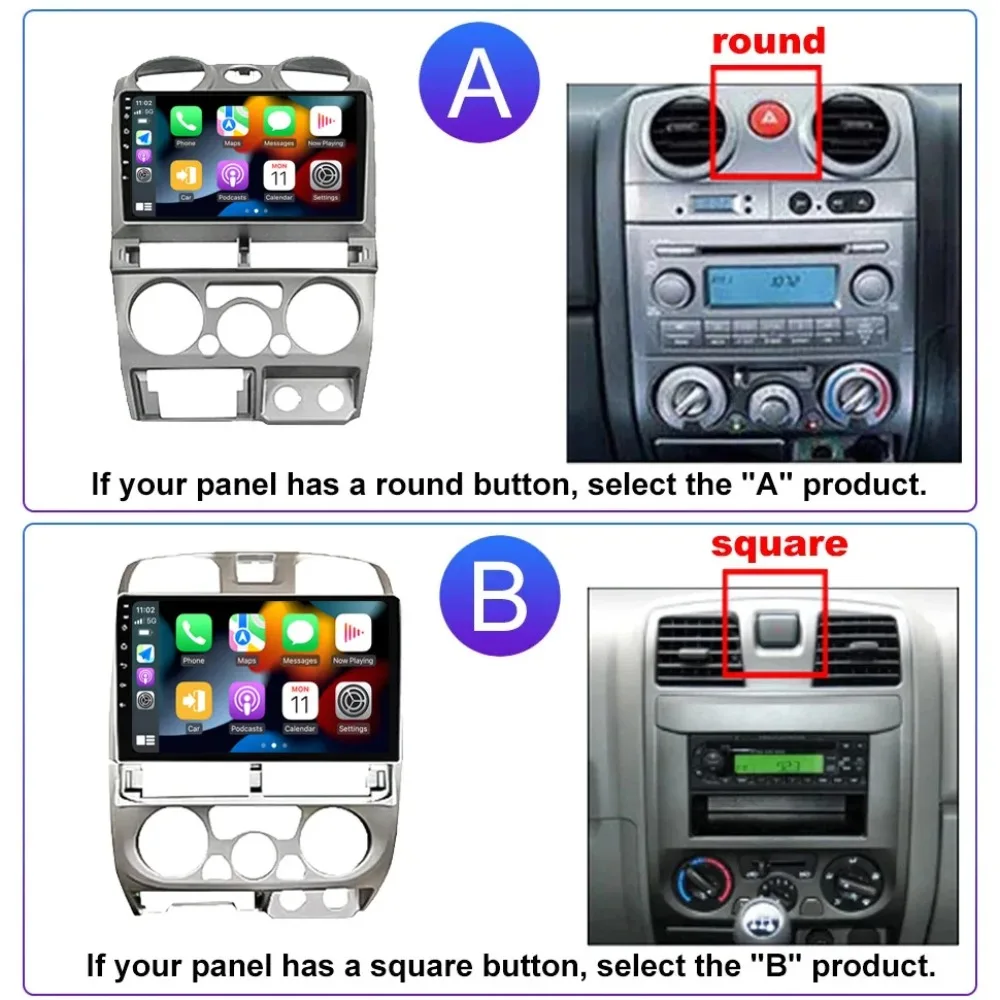
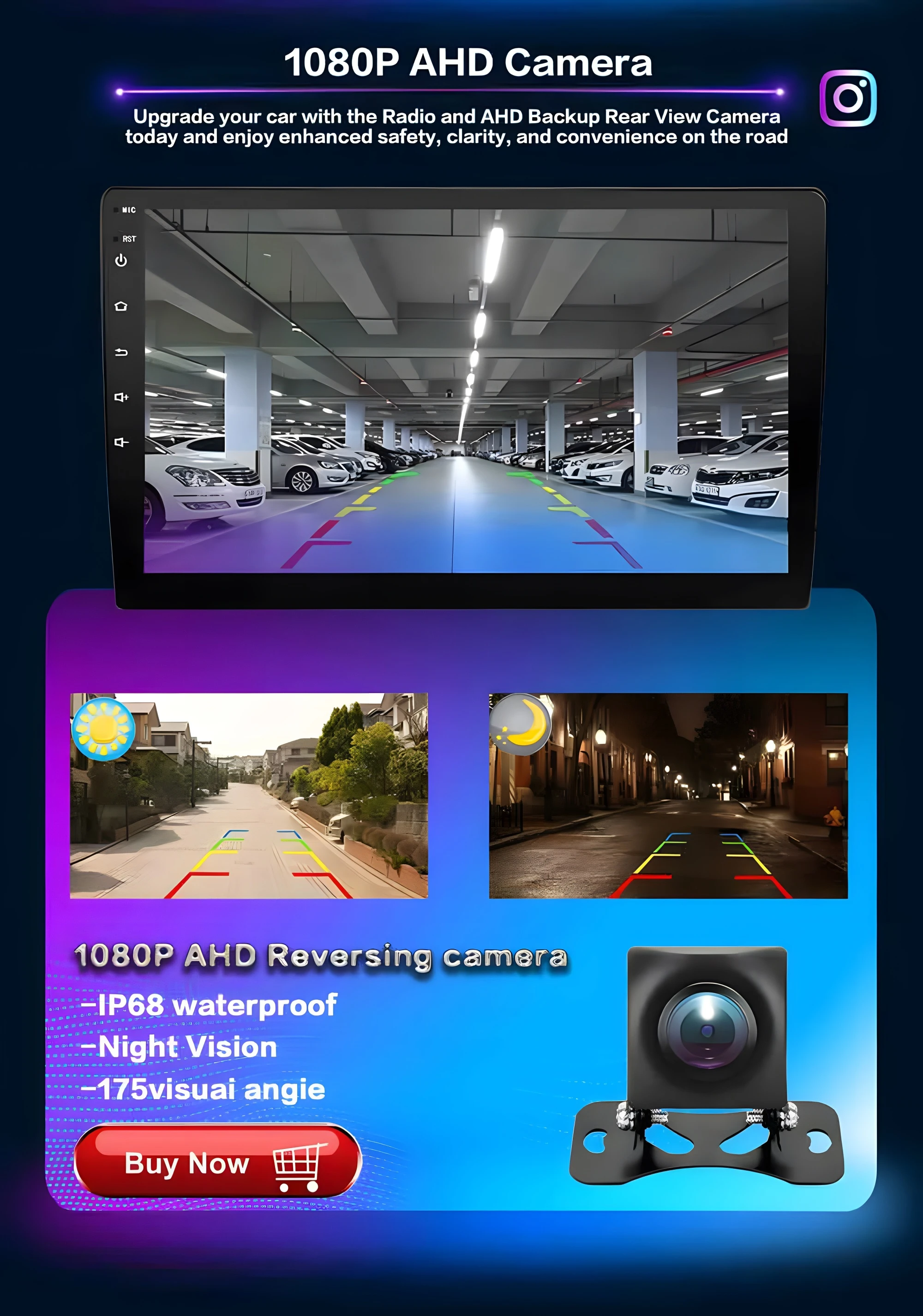
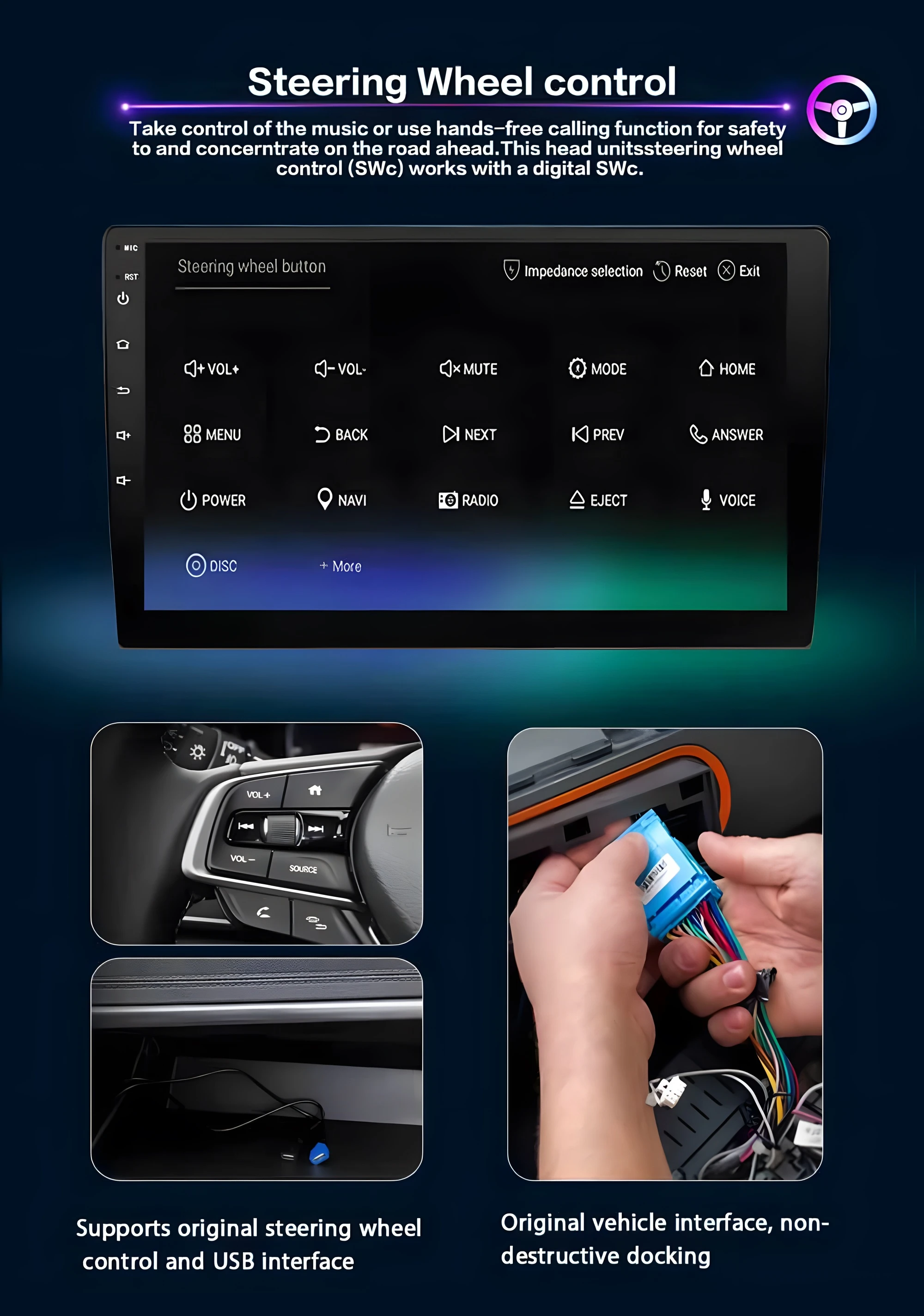
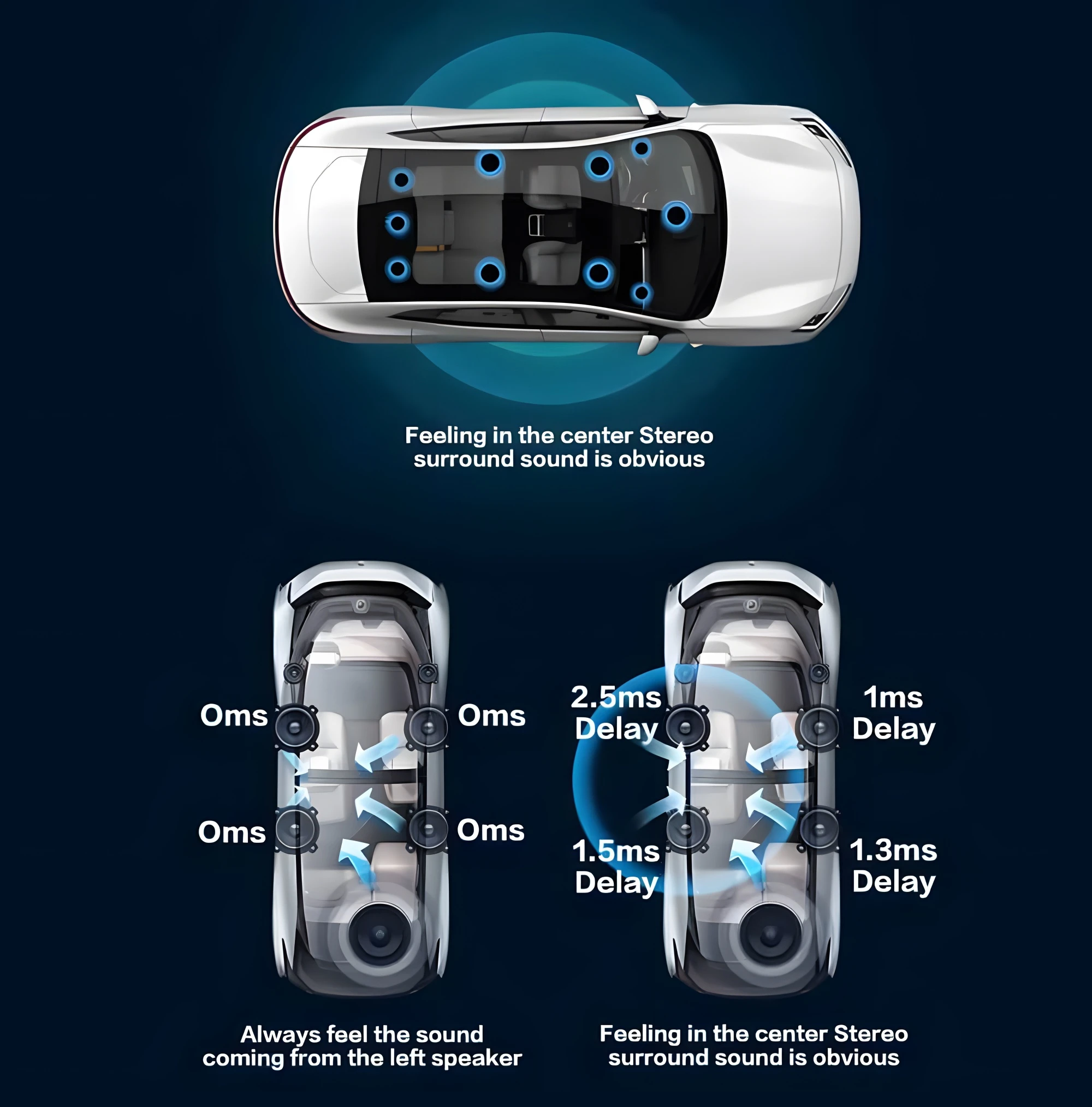
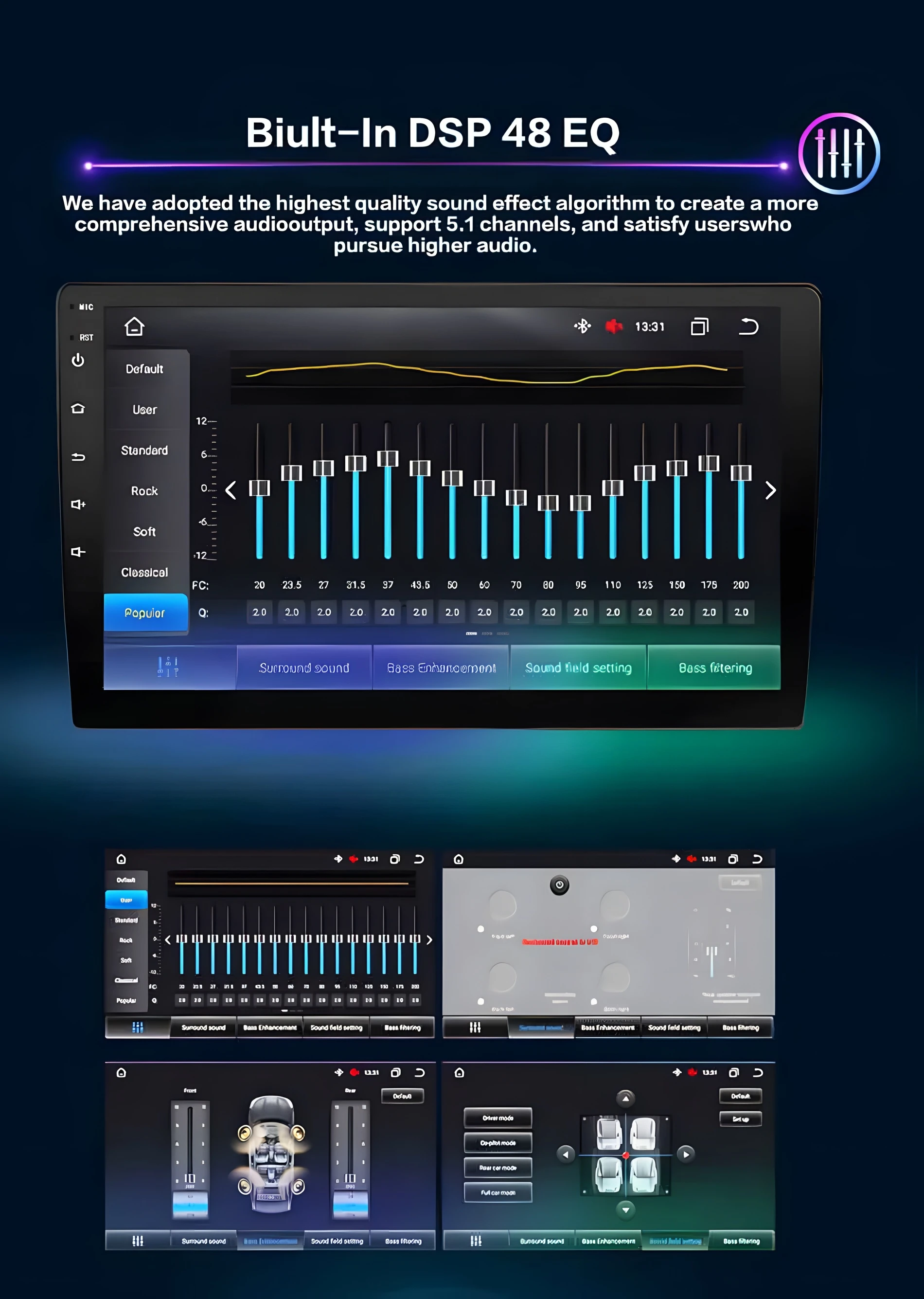
FAQ:
1.How can I determine if my car model is suitable?
Please click on the product link to view the page and confirm the model year first. Check if the central control image of the car matches your vehicle and the attentions in the page. If it is suitable, please feel assured to make the purchase. If you are unable to confirm, please contact our customer service for assistance.
2.Why can't turn on the car radio ?
2.1 Please check the Voltage of car radio : 12V
2.2 When you test this car radio,you can combine the red and yellow wires and connect them to the positive side of the power supply.Black line to negative power supply.
2.3Replace the same type of insurance to test the car radio. Note: Please must use our power cables to connect our car radio,it is not possible to insert the original car plug directly into our machine.
3.Why the car radio will show "No Signal" when we reversing?
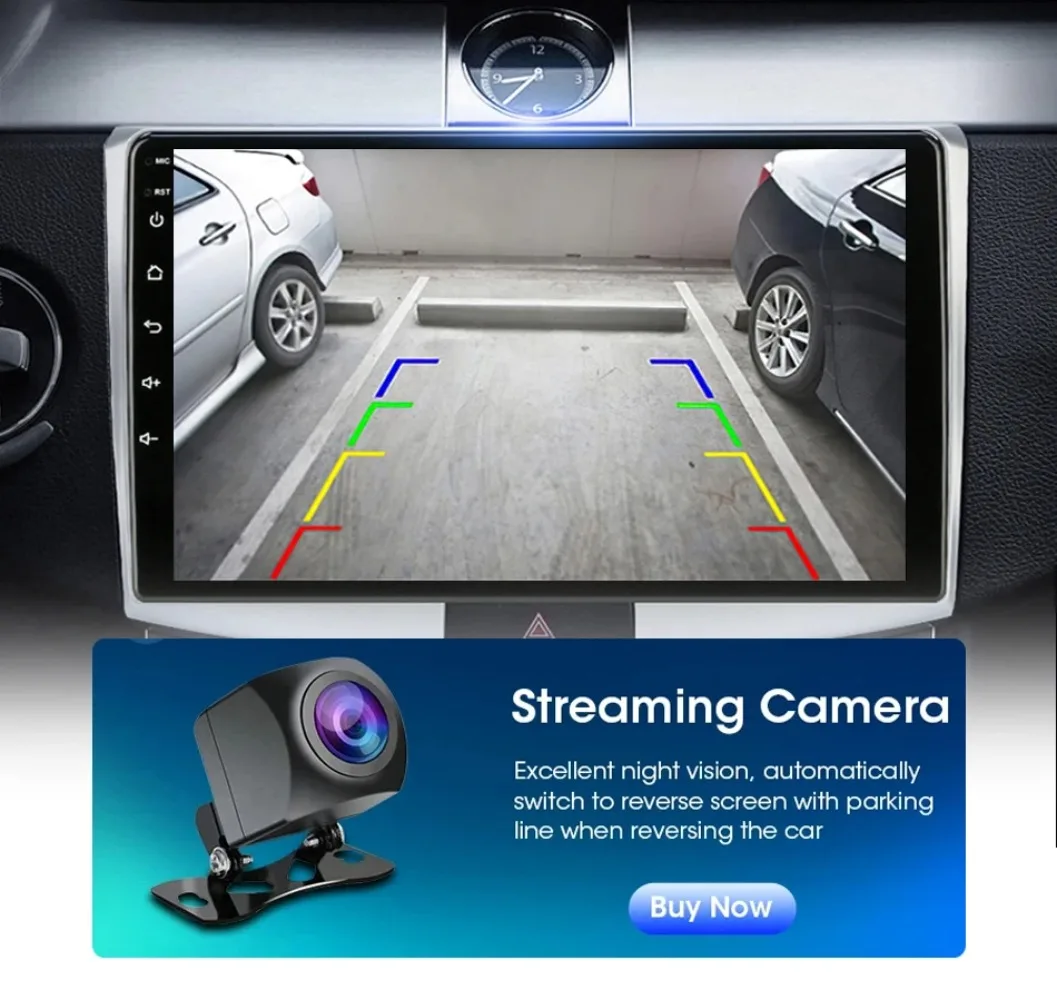
Please check if the camera's line is properly connected to the car radio. Note:The video port of rear camera must insert the "CAMIN" port of car radio.
4.Why does the camera display "!" and "Can't watch video while driving" when I use USB to watch videos?
Please turn off the "Video Warning" function in the settings,then will be OK.
5.Why can't search FM?
5.1: No radio antenna inserted;
5.2: Please check if the radio antenna is plugged in. Please insert more antennas several times to make it well contacted;
5.3: The signal of your location is not good. Please go to a better place to test again
5.4: The radio antenna on the car is broken/no effect; please replace the radio antenna and test again.
6.Why can't connect the Bluetooth of car radio?
6.1.Open the phone settings interface, open the Bluetooth in the Bluetooth function, search for Bluetooth devices, find the player's Bluetooth model to be paired; if you need a pairing code, enter 0000; if not, try 1234 or 123456.
6.2.Please try to use another mobile phone to test this function. Please check if the Bluetooth receiving antenna is properly connected All methods are correct and still cannot use Bluetooth, Please unplug the plug on the back of the player and plug it in after 3 minutes.
7: Bluetooth signal is weak, WiFi signal is weak:
please check and reconnect the Yellow rear Camera input connector, there are 2 short cables, they are the extension cords of the Bluetooth antenna and the WiFi antenna, or you can extend them to enhance the signal.
8: The navigation map does not work,
check whether the GPS has a signal, click GPS signal detection, if there is a signal, then reinstall a new map or open the mobile WiFi hotspot. If there is no GPS signal, leave the garage and test the GPS interface voltage on the road. The voltage must be 3.3V, otherwise the GPS antenna should be replaced.
9: The screen display is abnormal,
click the one-key recovery button, if it can't be solved, remove the screw on the back, check whether the screen cable is loose, and reconnect the screen cable.
10: Abnormal sound:
1 Check whether the original car cable has been modified by another car owner. If so, please check the speaker cable and reconnect it.
2 Check whether there is an original car or a modif
11:The radio cannot be turned on
11.1. The condition for the radio to turn on is that ACC (G3) and 12V (G2) are connected to the positive pole of the car's 12V power supply, and G1 is connected to the negative pole of the power supply. There may be a very small probability that the power cord does not match your car. You can directly connect these 3 power cords Connect the power cord of the car without the radio
11.2. It may be that the connecting wire of the radio came off during transportation, just open the back cover to check and reconnect the connecting wire inside the radio
11.3. If you can't turn on after checking the above steps, please send a video to us for confirmation. The video needs to show that the power cord is normally connected, and test the connection cord with an electric meter to be 12V.